snap to floor 1.5
Snap To Floor is a powerful, real-time Cinema 4D plugin that keeps your objects perfectly grounded on the Y-axis even while rotating, animating, or modeling. Unlike traditional “drop to floor” tools that require manual updates, Snap To Floor works live, ensuring your model’s lowest point always stays locked to the floor.
This makes it ideal for motion designers, animators, and 3D artists who need accurate physical contact with the ground while animating rolling objects, mechanical parts, props, or environment elements in Cinema 4D.
Working up to Cinema 4D R15 - 2026
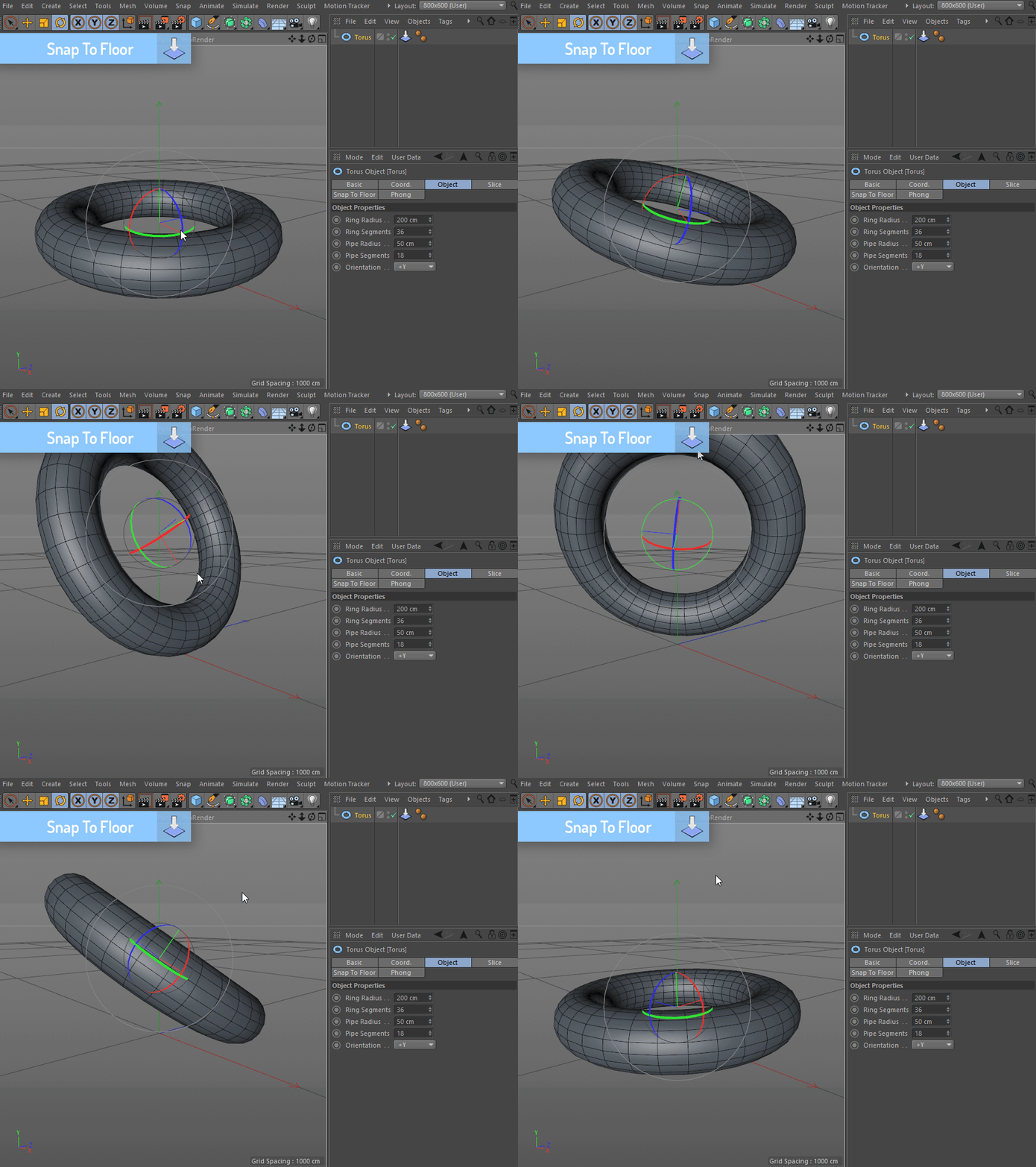
Live, Real-Time Floor Snapping
Snap To Floor continuously evaluates your object’s geometry and automatically adjusts its position so it never penetrates or floats above the floor. Rotate, scale, or animate freely. Your object stays grounded at all times with zero extra keyframes.
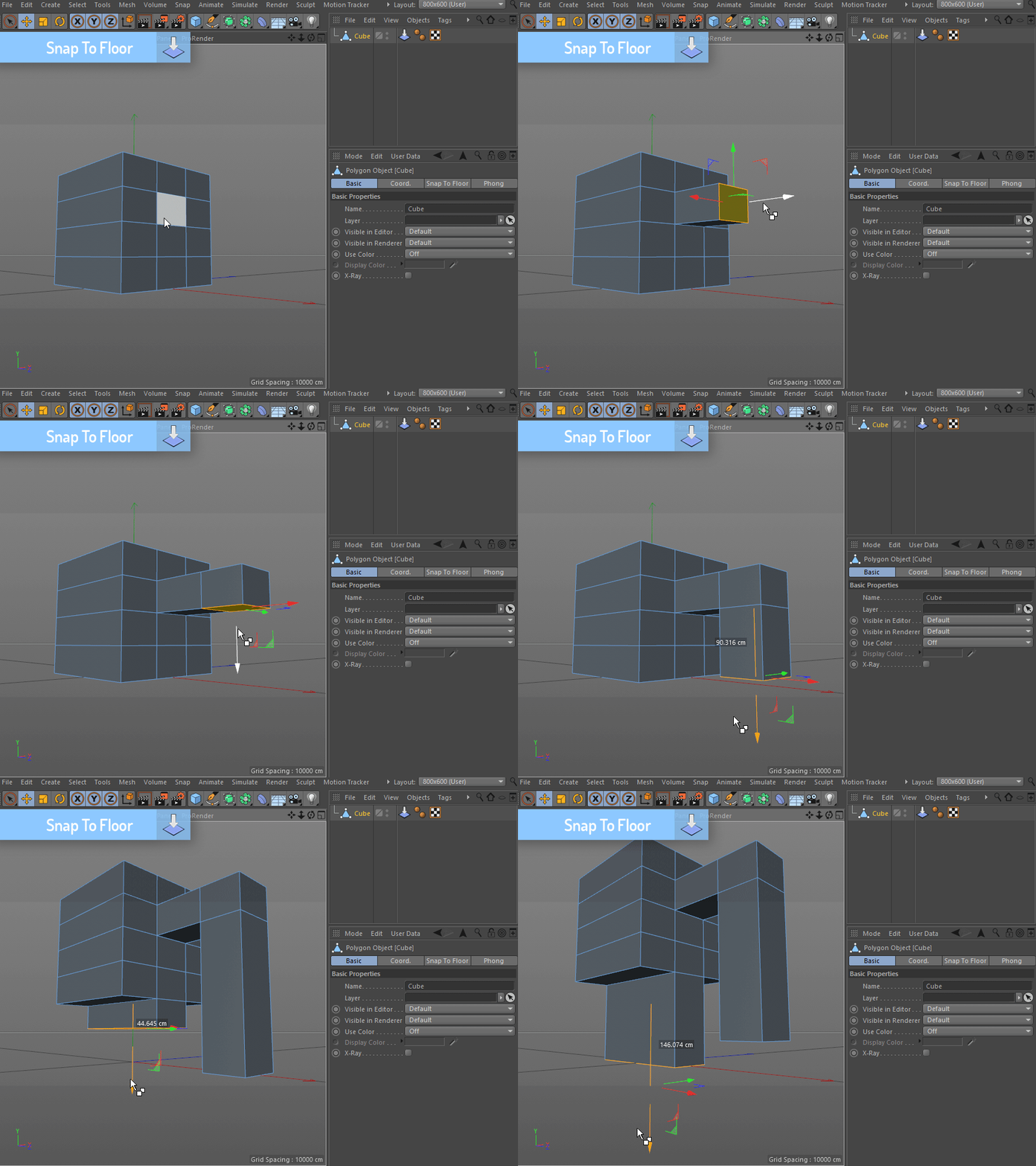
Works While Modeling
Snap To Floor isn’t just for animation, it also updates in real time while modeling. As you push points, add geometry, or reshape forms, your object remains planted on the ground, making it ideal for architectural elements, props, and asset creation.
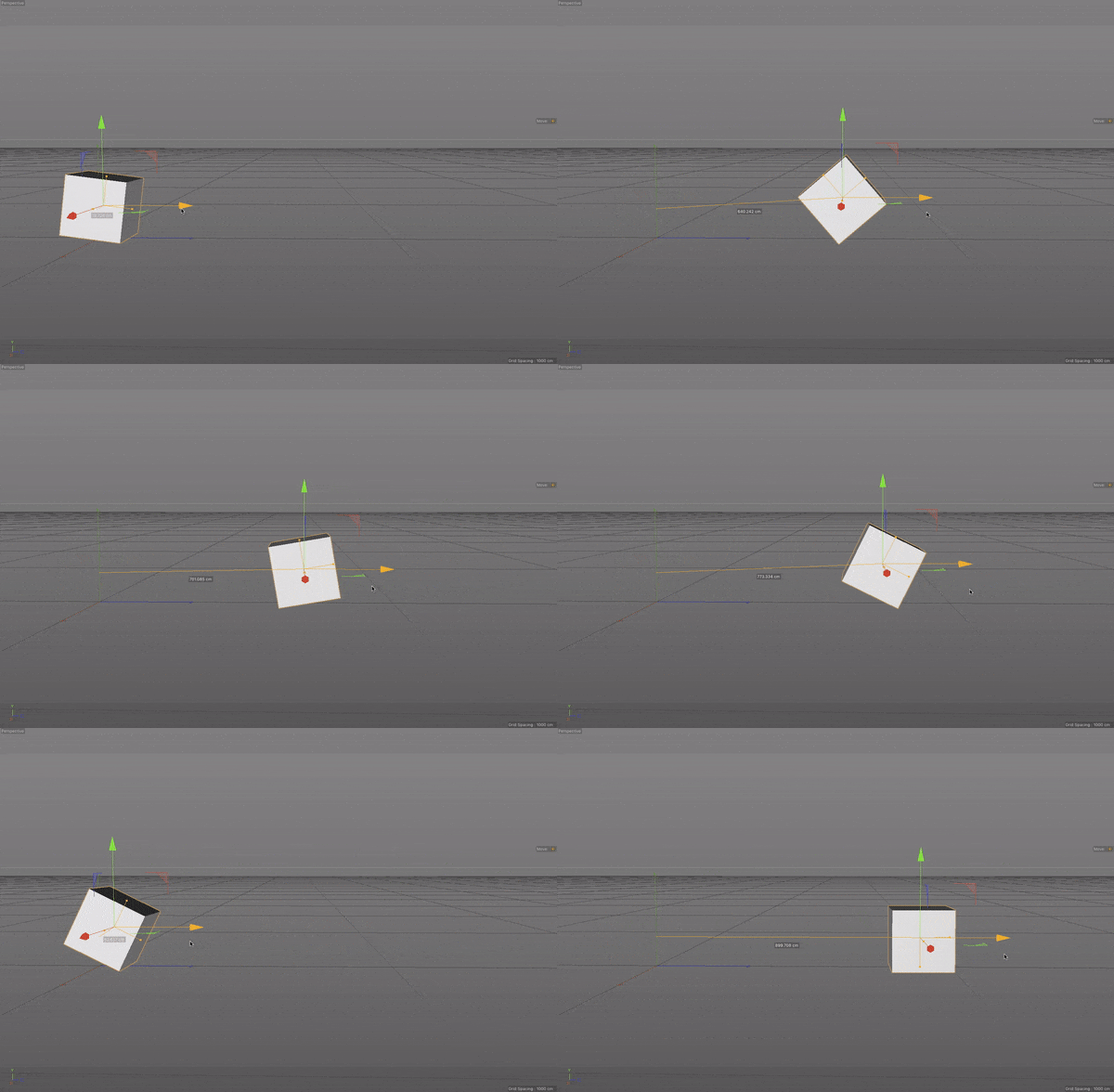
Perfect for Rolling & Physics-Style Motion
Animating rolling objects in Cinema 4D can be frustrating. Snap To Floor solves this by maintaining correct floor contact while you drive rotation or position through keyframes, Xpresso, or procedural setups.
Whether you’re animating wheels, cubes, cylinders, or complex meshes, Snap To Floor handles the math so you can focus on motion.