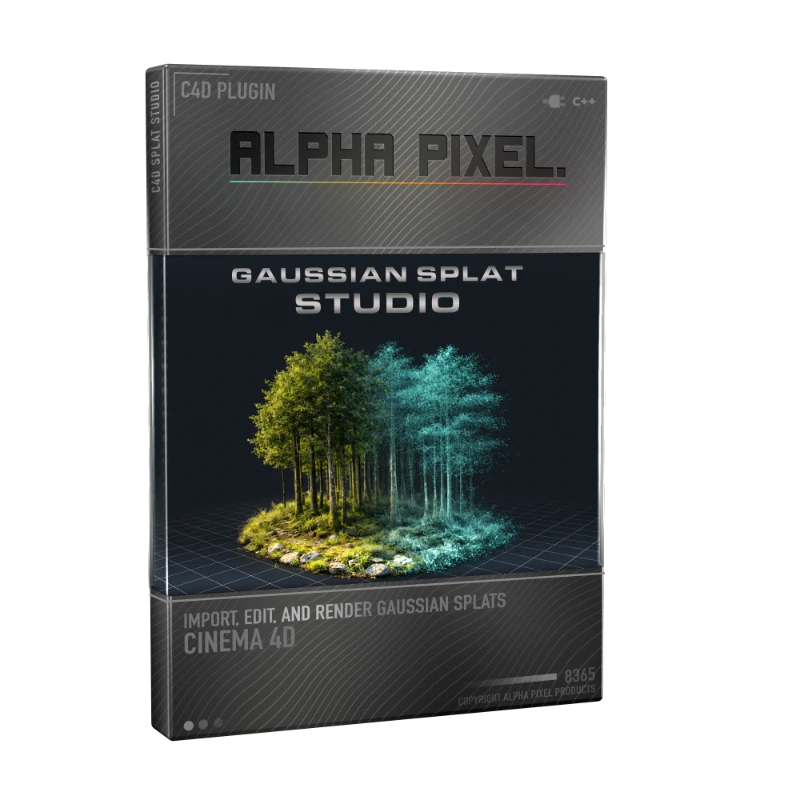
Gaussian Splat Studio
Gaussian Splat Studio for Cinema 4D is a procedural plugin for importing, viewing, rendering, and exporting Gaussian Splat point data directly in C4D. It gives you dedicated viewport and render controls, supports Redshift and Standard/Physical material workflows, and preserves flexible nondestructive iteration while you refine density, appearance, and output.
Built for motion designers, scan artists, and look-dev workflows, it combines fast viewport handling with production-ready render options, plus MoGraph effectors, force-driven behavior, and export tools for clean downstream delivery.
Splat studio Core Features
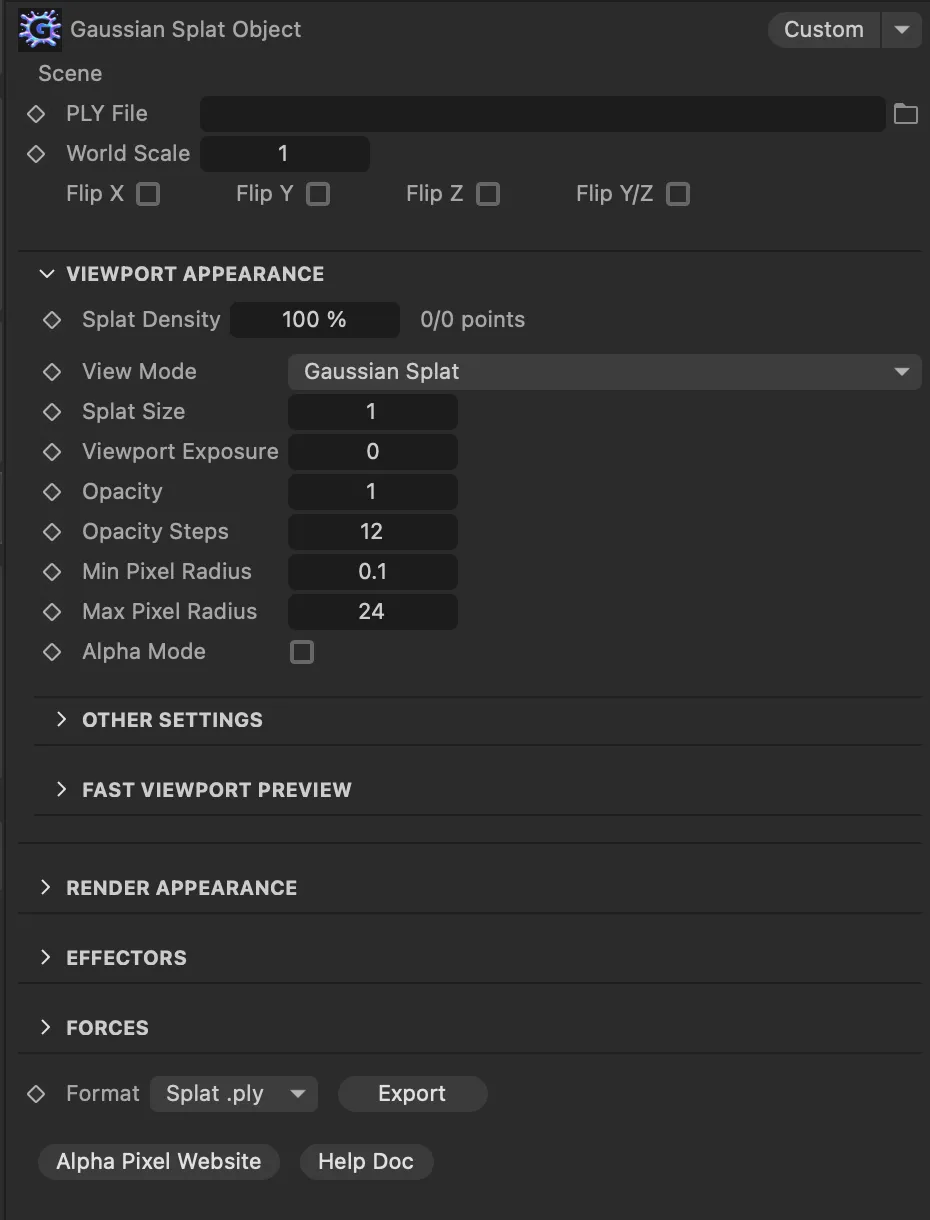
- Import Gaussian Splat ply files into Cinema 4D
- Control viewport splat density, size, opacity, and orientation
- Drive splats with MoGraph effectors and force controls.
- Keep viewport preview and final render settings separate.
- Builds Redshift and Standard/Physical shaders automatically.
- Easily create depth maps from Effectors
- Tune render quality/performance with density and shader refresh tools.
- Export cleaned results as ply or Splat ply.

CHOOSE DIFFERENT LOOKS
Gaussian Splat Studio includes multiple render looks designed for different creative and performance needs. Use True Gaussian Splat for the most scan-faithful result, Point Cloud for a stylized dot-based look and faster iteration, or card/geometry-based rendering when you need broader shading control.
These looks can be driven through Redshift or Universal Standard/Physical workflows, giving you flexible options for realism, speed, and style. Together, they provide strong starting points for look development, from accurate reconstruction to intentionally graphic renders.
EFFECTORS + FORCES + FIELDS
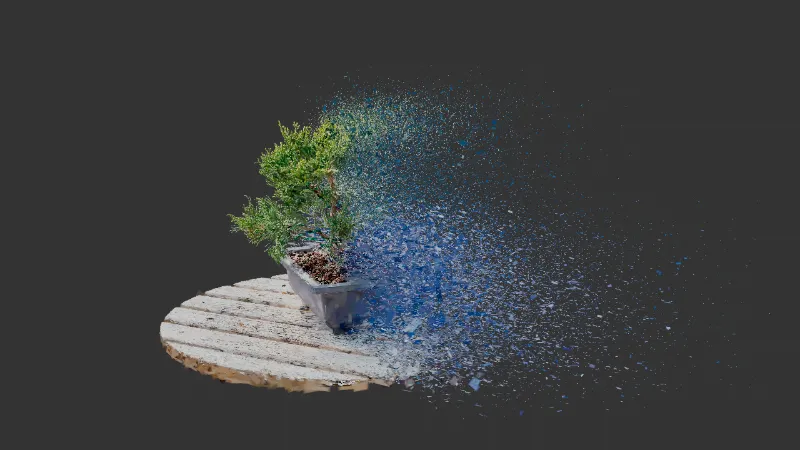
The plugin supports MoGraph-style control through Effectors, Forces, and Fields, so you can art-direct splat behavior directly inside Cinema 4D. Use effectors to drive motion, transform, and stylized variation, then shape their influence with fields for precise spatial and layered control.
This gives you a procedural, non-destructive way to animate, isolate, and refine splat regions, making it easy to explore creative looks while keeping full control over the final result.
RELIGHT YOUR SCENE


Relight support for Redshift and Standard Render lets you bring Gaussian splats into your lighting workflow so they respond more naturally to the renderers lights. Use the relight controls to balance the original captured look with new illumination, making it easier to integrate scans into a shot without losing their character.
This makes it easy to match scene lighting, create more believable composites, and push the mood of a render while keeping the workflow flexible, non-destructive, and easy to art direct.
FAST PREVIEWS

Fast preview modes let you work with dense Gaussian splat scenes more comfortably by giving you lighter viewport options while you set up cameras, animation, and look development. You can reduce the amount of data shown in the editor and switch to more efficient display modes to keep navigation responsive without changing the source splat.
This makes it easy to stay interactive in heavier scenes, iterate faster while building a shot, and keep the final splat quality intact for rendering and export.
RENDER VIEWPORT MATTES
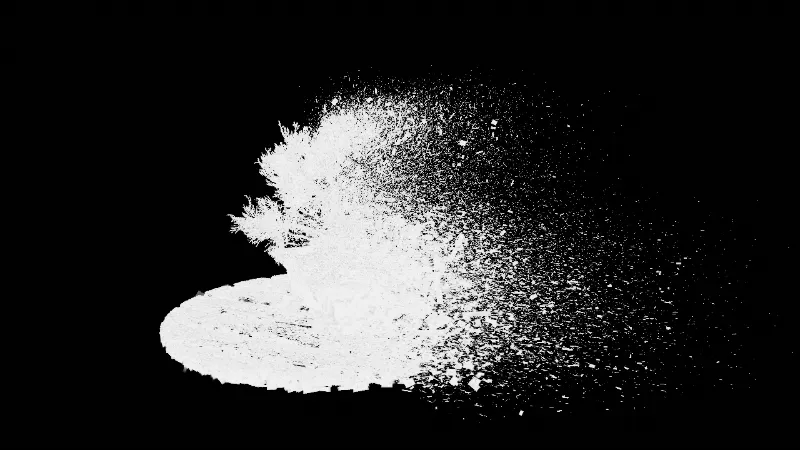
Rendering viewport mattes in true Gaussian Splat mode lets you generate cleaner alpha-style holdouts directly from the splat view in the Cinema 4D editor. This makes it easier to isolate scans for compositing while previewing silhouette separation, transparency behavior, and edge coverage using the true splat display rather than a simplified proxy.
This makes it easy to build masks for compositing, check cutout quality early, and integrate splats into layered workflows while staying closer to the final splat look during setup.