Quick Matte Pro
The new Quick Matte Pro 2.0 is a professional Cinema 4D matte workflow plugin built to make object mattes fast, clean, and repeatable. With one-click tools for Alpha Matte and ID Matte modes, you can quickly isolate objects, assign IDs, and generate production-ready mattes without slow manual setup.
Designed for motion designers, compositors, and 3D artists, Quick Matte Pro 2.0 streamlines the full process with Saved Mattes, scene-aware matte presets, and Take/Render Mattes automation. It removes repetitive setup work so you can move from lookdev to compositing faster and with more consistency.
Tested and working with Cinema 4D 2024, 2025, 2026
Quick Matte Pro Core Features
- Create mattes instantly with one-click object-based matte tools
- Switch between Alpha Matte and ID Matte workflows at any time
- Generate many unique ID mattes quickly with Auto Index
- Save, load, update, rename, and reuse matte setups per scene with Saved Mattes
- Add selected saved mattes to Takes in one click
- Batch render selected mattes with Render Mattes (Render Marked Takes workflow)
- Keep mattes non-destructive with a dedicated Matte View toggle
One-Click Matte Creation
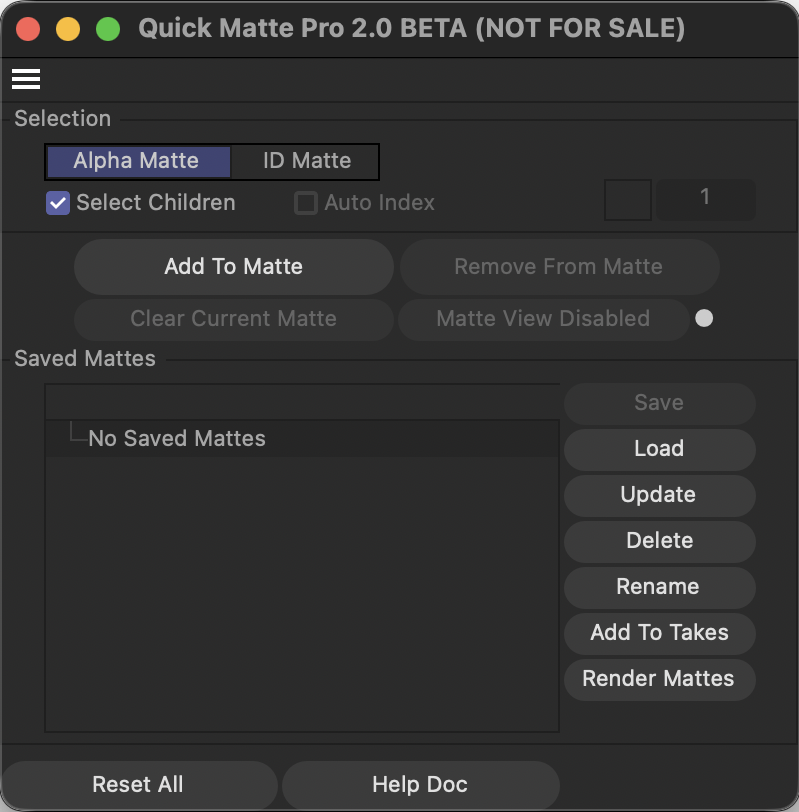
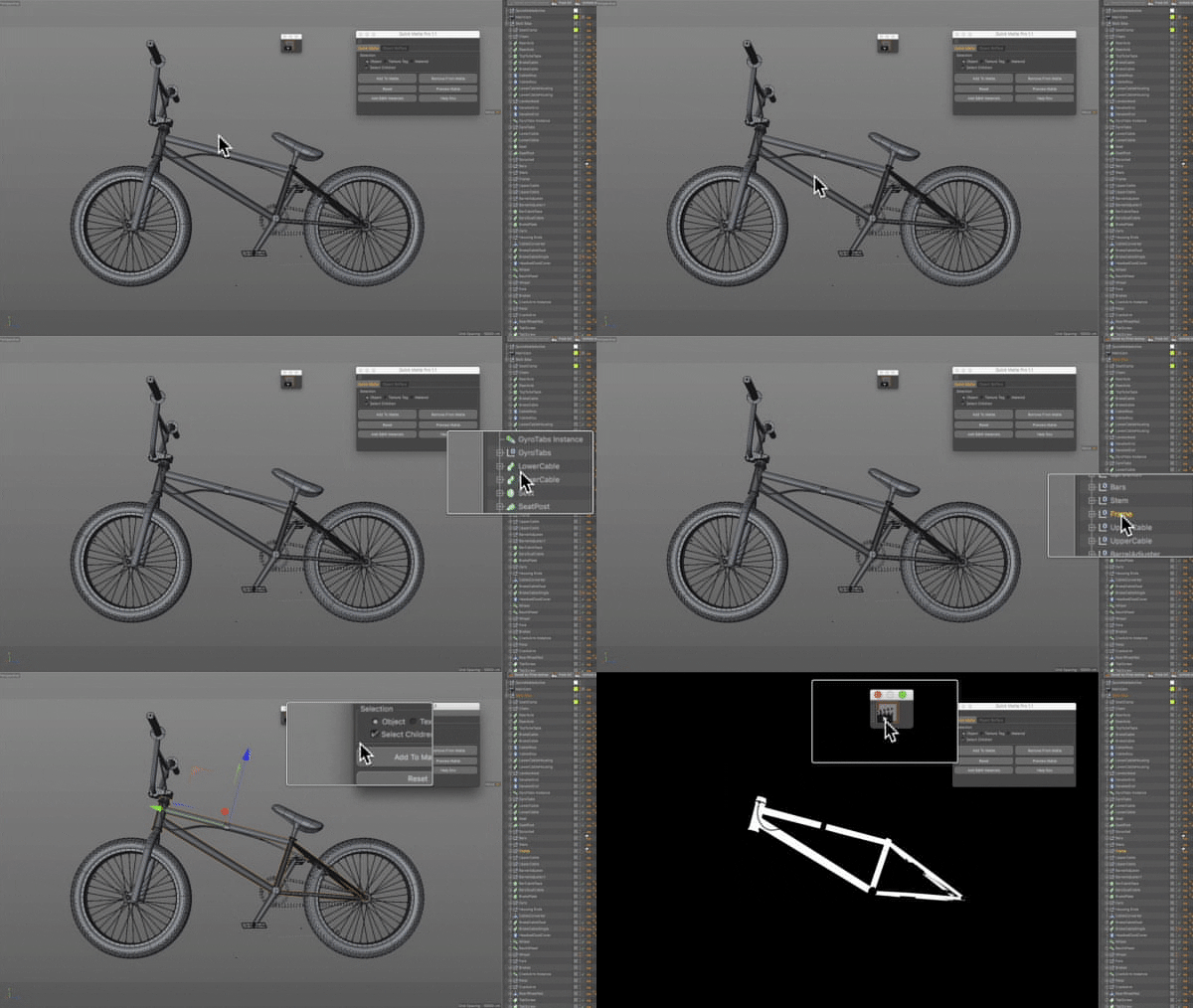
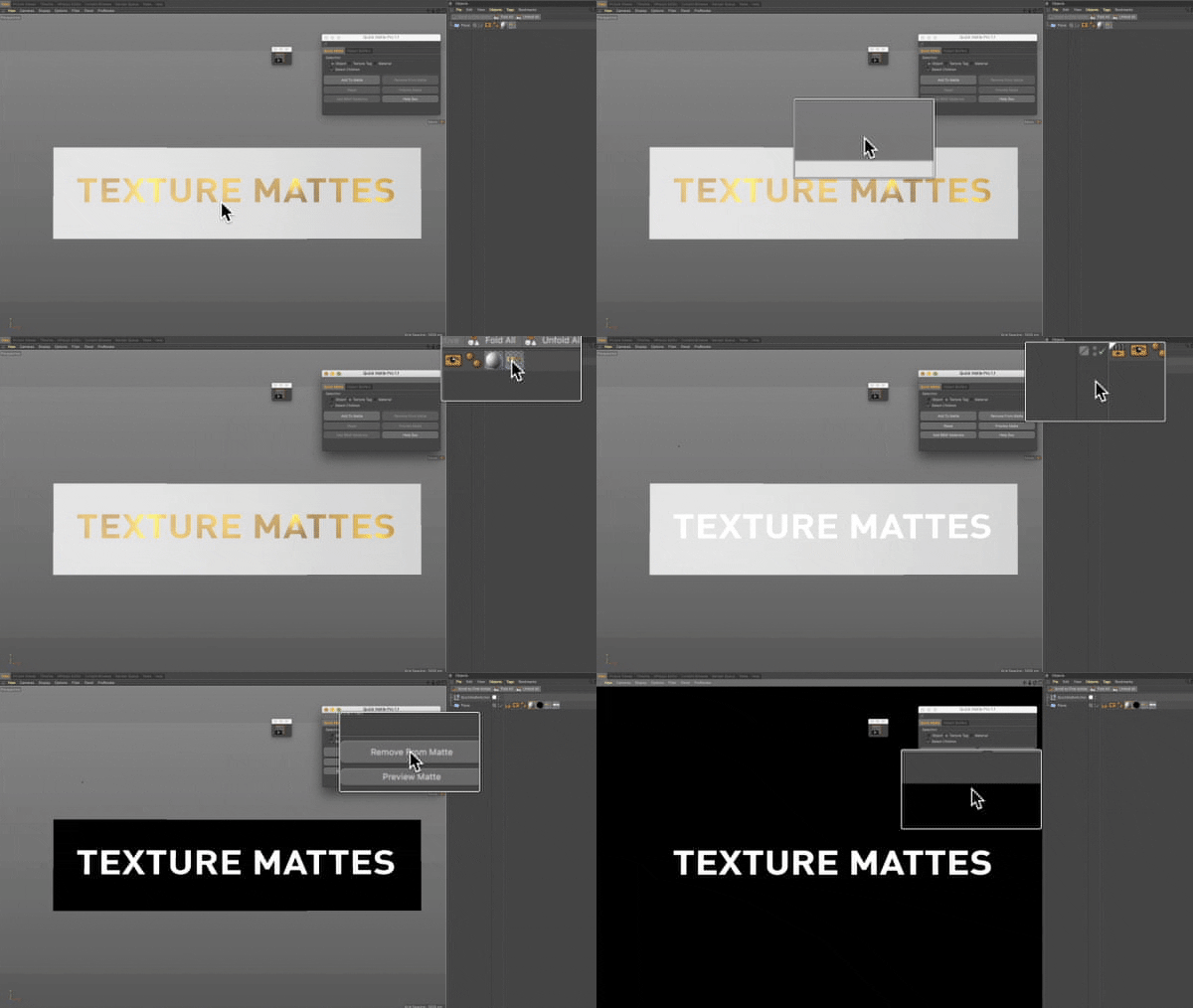
Quick Matte Pro 2.0 lets you create production-ready mattes directly from object selections with a single click. Use Alpha Mode for clean black-and-white isolation, or switch to ID Mode for color-based matte passes.
There’s no complicated setup process, just select your objects and click Add To Matte. It’s designed to get you from selection to usable matte output immediately.
Fast Auto ID Indexing
In ID Mode, Auto Index speeds up large selections by automatically assigning a new ID number and color per object. This makes it easy to build multi-object ID passes without manually incrementing values.
Instead of repetitive setup, you can select multiple assets at once and generate organized, distinct IDs in one action. It’s ideal for fast compositing prep on complex scenes.

Saved Matte Presets
Saved Mattes let you store matte configurations as reusable presets inside the current scene. You can load them later, update them with new selections, or rename them as your shot evolves.
This keeps your matte work consistent across revisions and avoids rebuilding selections over and over. It’s a clean, reliable way to maintain repeatable matte setups.
Takes & Batch Rendering
Quick Matte Pro can convert saved mattes into Cinema 4D Takes automatically, including render-setting links for each matte pass. You can then trigger Render Mattes to run a marked-take batch workflow.
This helps you output multiple mattes in one pass without manual take setup. It’s built for faster delivery and cleaner handoff to compositing.
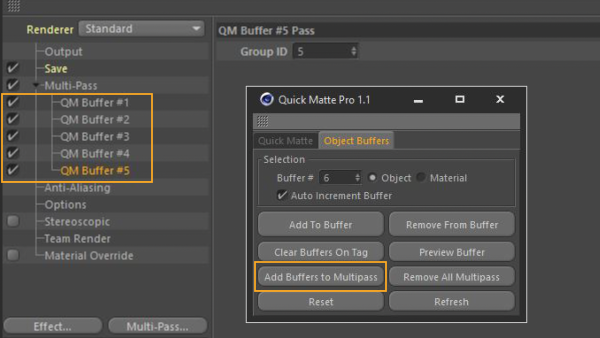
Speed up your compositing workflow with QUICK MATTE PRO
Change Log
-
02-19-26: Version 1.0 Released