
C4D Quick tips

Gaussian Splatting In Cinema 4D
Gaussian Splatting Explained: Tutorials and Workflows for Cinema 4D and After Effects Gaussian Splat Basics Creating Splats Tools For Processing Splats Editing Splats Working With Splats in Cinema 4D Working With Splats in After Effects Basics of Gaussian Splats…

How To Install Plugins In C4D
How to Install Plugins in Cinema 4D: Step-by-Step Guide There are 2 methods for installing plugins in Cinema 4D R20 and later. Method 1 – Specify a plugin folder on your computer (Maxon Recommended) 1. Open Cinema 4D and navigate to the preferences window Cinema…
How To Install Scripts In C4D
How To Install Scripts In Cinema 4D Open Cinema 4D and go to the Cinema 4D Menu in the top left and click Preferences. In the bottom left click “Preferences Folder”. Navigate to the Library folder and then the Scripts folder If it is a single script you can drop it in…

Cinema 4D Python: 5 Lines Every Cinema 4D User Should Know
Learn five essential Python lines every Cinema 4D user should know to automate workflows, access scene data, and start scripting in C4D with confidence.

Quick Tips To Speed Up Workflow In C4D
Speed matters in Cinema 4D. Whether you’re modeling, texturing, sculpting, or managing complex scenes, small workflow improvements can save hours over the course of a project. In this tutorial, we cover five powerful Cinema 4D workflow tips — plus a few bonus tricks —…
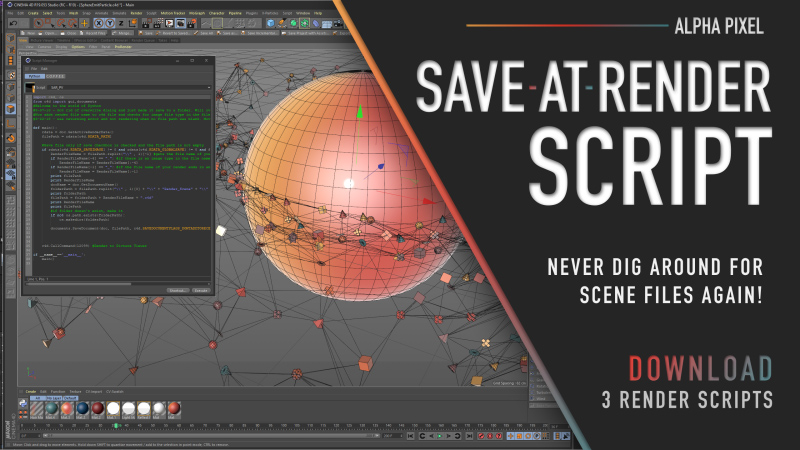
C4D Freebie: Save-At-Render Scripts
OK C4D users — here’s one that could save you someday. Save-At-Render is a freebie that includes a collection of three scripts designed to automatically save your Cinema 4D scene file at the same time your render is saved. No more digging around for the correct scene…
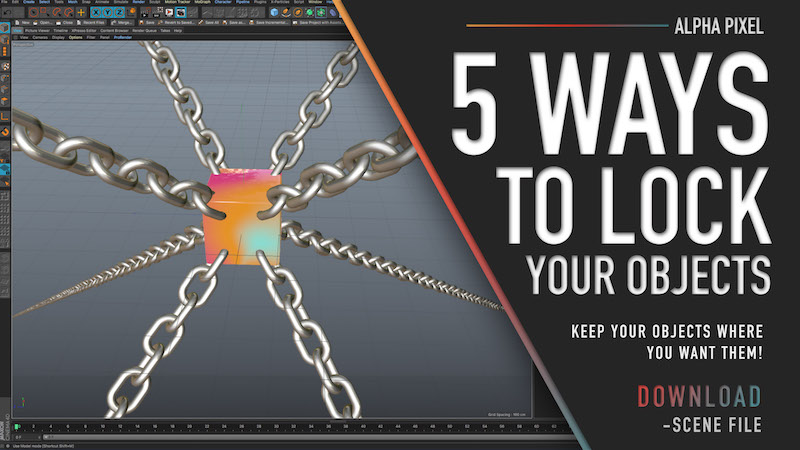
Different Ways to Lock Objects in Cinema 4D
5 Ways to Lock Objects in Cinema 4D (Beginner to Advanced Methods) Accidentally moving an object in Cinema 4D is something every artist has experienced. Whether you’re working inside a complex hierarchy or adjusting a camera, one small click can throw off a perfectly…
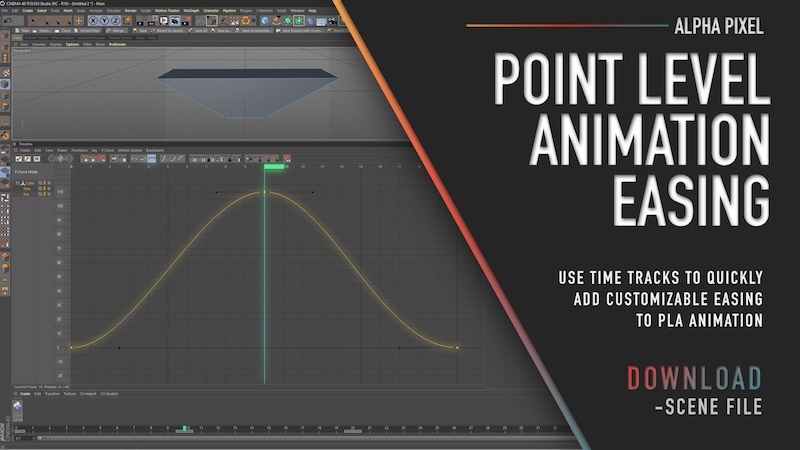
Easing Point Level Animations
How to Add Easing to Point Level Animation in Cinema 4D Point Level Animation (PLA) in Cinema 4D allows you to animate individual points (vertices) of an object. This makes it incredibly useful for morphing shapes, creating organic deformations, and building custom…
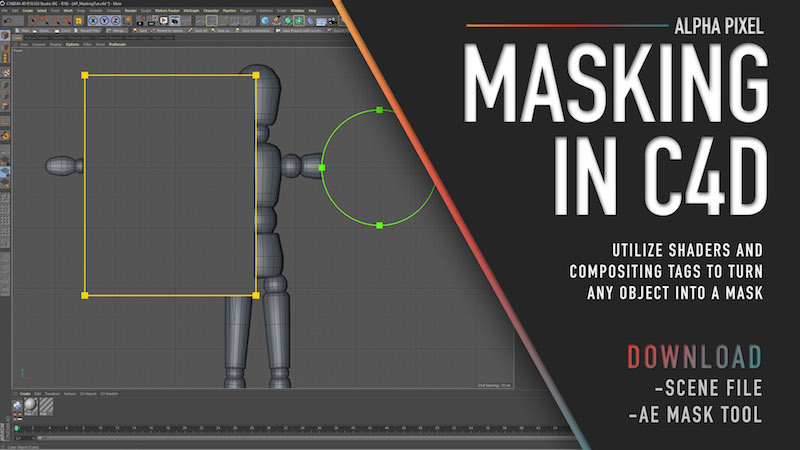
Masking In Cinema 4D
How to Mask Objects in Cinema 4D Masking in Cinema 4D is a simple but powerful technique that allows you to hide parts of an object during rendering using another object as a mask. This method works similarly to masking in compositing software like After Effects, but…

Custom Depth Mattes in C4D
Want more control over your depth mattes in compositing? In this tutorial, we look at how you can use simple shaders in Cinema 4D to move a depth matte around your scene in any way you want, using virtually any shader. It’s a fairly simple setup, but be sure to save…