
Tutorials

How to Create a Money Fountain in Cinema 4D
How to Create a Money Fountain in Cinema 4D Using Soft Body Dynamics In this Cinema 4D tutorial, you’ll learn how to create a money fountain effect using emitters, soft body dynamics, turbulence, and aerodynamic forces. This setup allows hundreds…

Gaussian Splatting In Cinema 4D
Gaussian Splatting Explained: Tutorials and Workflows for Cinema 4D and After Effects Basics of Gaussian Splats Gaussian Splatting is a new technique in 3D rendering that uses point clouds to recreate realistic scenes from real-world captures. It’s…

How To Install Plugins In C4D
How to Install Plugins in Cinema 4D: Step-by-Step Guide There are 2 methods for installing plugins in Cinema 4D R20 and later. Method 1 – Specify a plugin folder on your computer (Maxon Recommended) 1. Open Cinema 4D and navigate to the preferences…
How To Install Scripts In C4D
How To Install Scripts In Cinema 4D Open Cinema 4D and go to the Cinema 4D Menu in the top left and click Preferences. In the bottom left click “Preferences Folder”. Navigate to the Library folder and then the Scripts folder If it is a single…

Missing Link Between AE & C4D
Cinema 4D and After Effects seem to go hand in hand these days, so why can’t they communicate better? Sure, there has been progress with tools like the Cineware plugin and the Compositing Output settings in Cinema 4D’s render settings, but there…

Cinema 4D Python: 5 Lines Every Cinema 4D User Should Know
Learn five essential Python lines every Cinema 4D user should know to automate workflows, access scene data, and start scripting in C4D with confidence.

Quick Tips To Speed Up Workflow In C4D
Quick Tips To Speed Up Workflow In C4D Speed matters in Cinema 4D. Whether you’re modeling, texturing, sculpting, or managing complex scenes, small workflow improvements can save hours over the course of a project. In this tutorial, we cover five…

Interactive Squish in Cinema 4D
Learn how to create interactive squash and stretch in Cinema 4D using the Mesh Deformer, Xpresso point control, and a Pose Morph tag for natural spring-back deformation on impact.
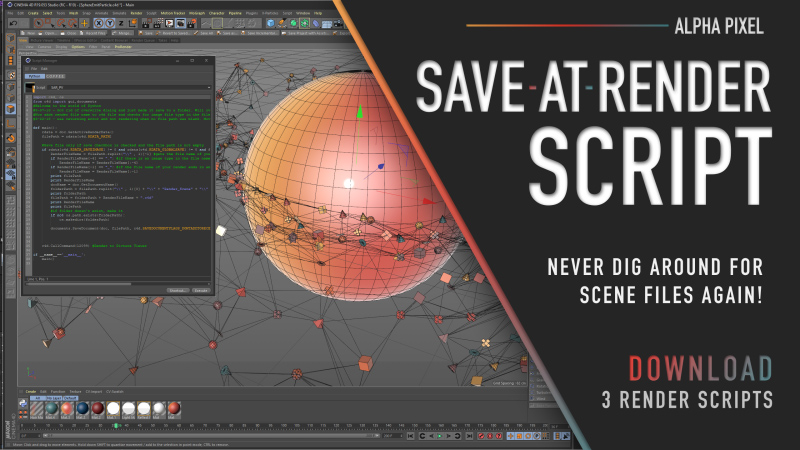
C4D Freebie: Save-At-Render Scripts
OK C4D users — here’s one that could save you someday. Save-At-Render is a freebie that includes a collection of three scripts designed to automatically save your Cinema 4D scene file at the same time your render is saved. No more digging around…
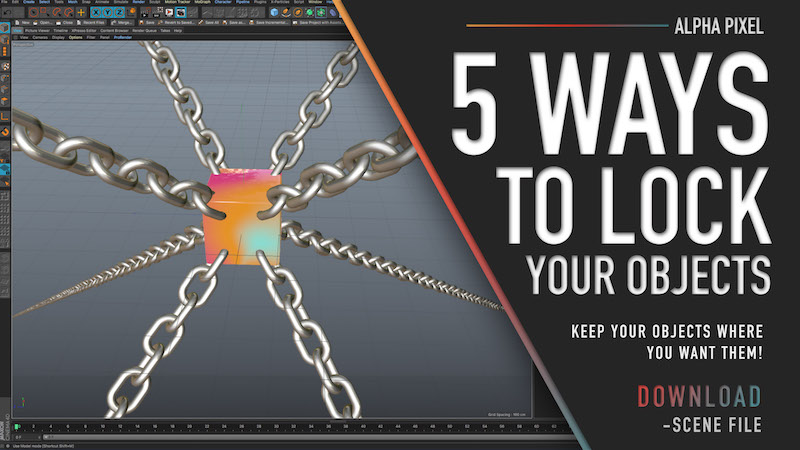
Different Ways to Lock Objects in Cinema 4D
Different Ways to Lock Objects in Cinema 4D 5 Ways to Lock Objects in Cinema 4D (Beginner to Advanced Methods) Accidentally moving an object in Cinema 4D is something every artist has experienced. Whether you’re working inside a complex hierarchy…
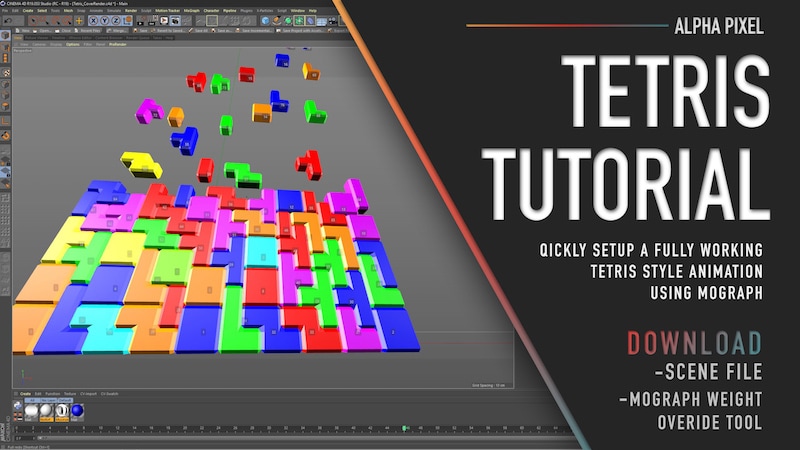
Making Tetris in Cinema 4D
Tetris! Need I say more? We’ll take a look at creating everything from constructing the bricks to creating a random brick-dropping animation natively inside of Cinema 4D. After that, we’ll fine-tune the animation using some tools included in the…
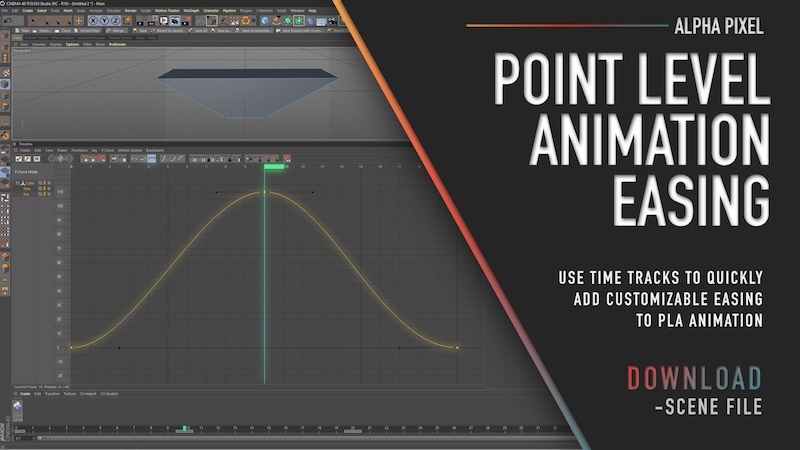
Easing Point Level Animations
Easing Point Level Animations How to Add Easing to Point Level Animation in Cinema 4D Point Level Animation (PLA) in Cinema 4D allows you to animate individual points (vertices) of an object. This makes it incredibly useful for morphing shapes,…