
alpha pixel blog

How to Create a Money Fountain in Cinema 4D
How to Create a Money Fountain in Cinema 4D Using Soft Body Dynamics In this Cinema 4D tutorial, you’ll learn how to create a money fountain effect using emitters, soft body dynamics, turbulence, and aerodynamic forces. This setup allows hundreds…

Gaussian Splatting In Cinema 4D
Gaussian Splatting Explained: Tutorials and Workflows for Cinema 4D and After Effects Gaussian Splat Basics Creating Splats Tools For Processing Splats Editing Splats Working With Splats in Cinema 4D Working With Splats in After Effects Basics of…
Cinema 4D Studio Preset
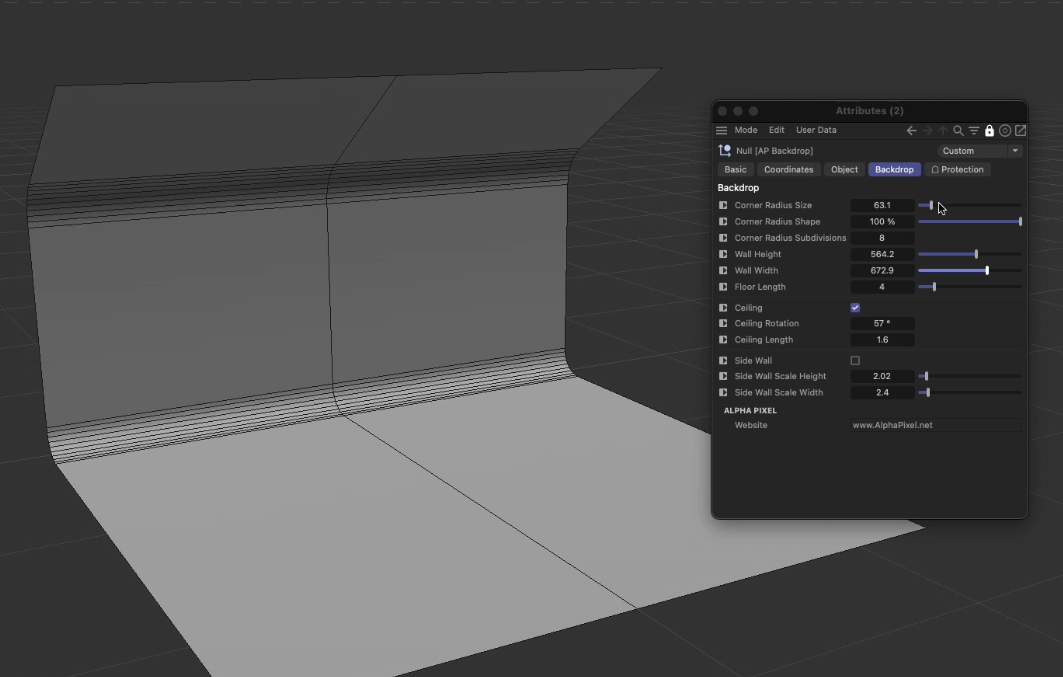
Cinema 4D Studio Preset (Free Download) What This Cinema 4D Studio Preset Is Designed For This Cinema 4D studio preset is a free tool designed to help artists create clean, professional-looking product renders and motion graphics with minimal…

How To Install Plugins In C4D
How to Install Plugins in Cinema 4D: Step-by-Step Guide There are 2 methods for installing plugins in Cinema 4D R20 and later. Method 1 – Specify a plugin folder on your computer (Maxon Recommended) 1. Open Cinema 4D and navigate to the preferences…
How To Install Scripts In C4D
How To Install Scripts In Cinema 4D Open Cinema 4D and go to the Cinema 4D Menu in the top left and click Preferences. In the bottom left click “Preferences Folder”. Navigate to the Library folder and then the Scripts folder If it is a single…
C4D Script: Text Object Renamer
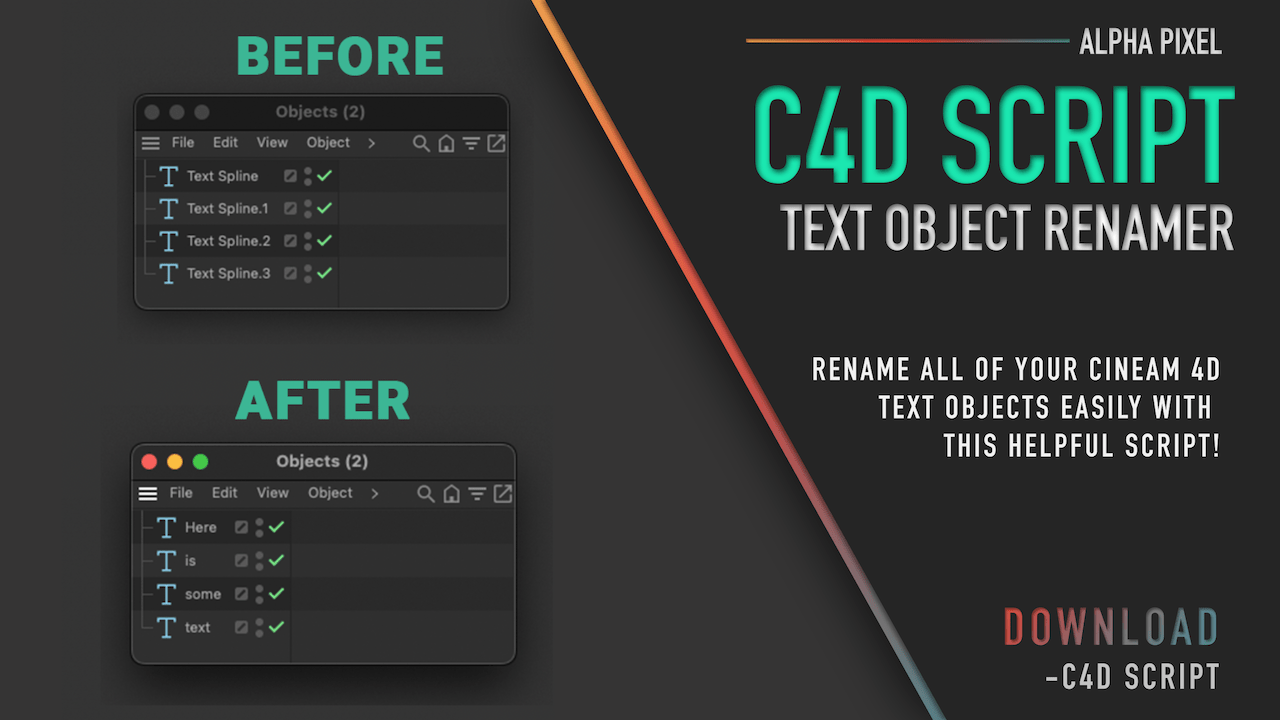
C4D Script: Text Object Renamer This free Cinema 4D Script will automatically rename your text objects to the name inside the text field. This makes finding these objects in the object manager much easier! By default, the script will only modify…

Adobe Icon Pack
Adobe Icon Pack Due to popular demand after releasing Icon Versions for Cinema 4D https://alphapixel.net/icon-pack/ I have created icon versions for popular apps from Adobe. Adobe products, like Cinema 4D, are ones that can benefit from keeping an…

Missing Link Between AE & C4D
Cinema 4D and After Effects seem to go hand in hand these days, so why can’t they communicate better? Sure, there has been progress with tools like the Cineware plugin and the Compositing Output settings in Cinema 4D’s render settings, but there…

Cinema 4D Python: 5 Lines Every Cinema 4D User Should Know
Learn five essential Python lines every Cinema 4D user should know to automate workflows, access scene data, and start scripting in C4D with confidence.

Quick Tips To Speed Up Workflow In C4D
Quick Tips To Speed Up Workflow In C4D Speed matters in Cinema 4D. Whether you’re modeling, texturing, sculpting, or managing complex scenes, small workflow improvements can save hours over the course of a project. In this tutorial, we cover five…
C4D Plugin: Instant Floor 1.0
Instant Floor is a simple Cinema 4D plugin designed to solve a common problem:What if you want to add a floor without moving your entire setup? Instead of moving objects down to the floor, Instant Floor brings the floor to you. It automatically…

Interactive Squish in Cinema 4D
Learn how to create interactive squash and stretch in Cinema 4D using the Mesh Deformer, Xpresso point control, and a Pose Morph tag for natural spring-back deformation on impact.
Freebie: Dockable Scene Display Filter
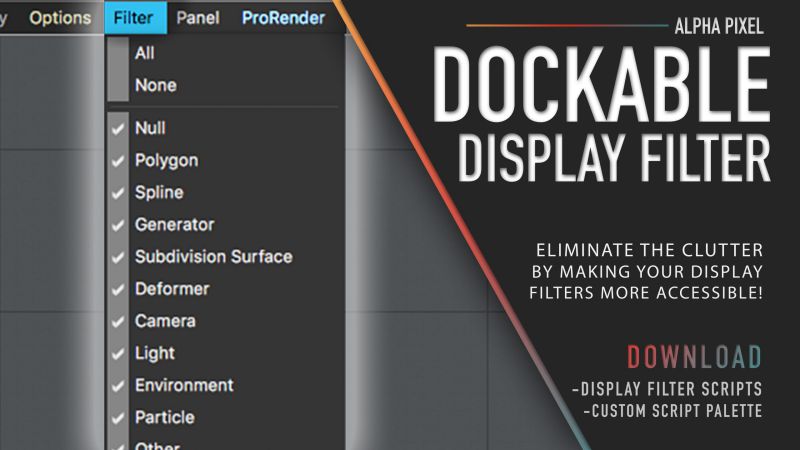
Cinema 4D’s interface and UI customizability are excellent, but there are still a few menus that oddly aren’t editable or dockable — the Scene Display Filter being one of them. The Scene Display Filter lets you globally hide or show elements in…

C4D Icon Pack
Cinema 4D Version Icons It’s that time of year again — a new release of Cinema 4D. This time around, there’s a fresh set of icons to help visually differentiate versions, especially since the main application and Team Render still use the same…

C4D Freebie: Drop To Floor
a Drop To Floor has been updated for Cinema 4D 2026 and beyond 🎉 Drop To Floor is a one-click Cinema 4D plugin that takes any selected object or object hierarchy and drops its lowest point directly to the top of the workplane. This makes it…
C4D Freebie: Save-At-Render Scripts
OK C4D users — here’s one that could save you someday. Save-At-Render is a freebie that includes a collection of three scripts designed to automatically save your Cinema 4D scene file at the same time your render is saved. No more digging around…

Modeling Cam 2.0
🎥 Modeling Cam 2.0 Overview Video https://youtu.be/1CD3ptDEUM4 Modeling Cam 2.0 Info Modeling Cam was created from a need to not only set up camera projections faster, but also to quickly zoom in and fine-tune the details of your projection models….
Different Ways to Lock Objects in Cinema 4D
Different Ways to Lock Objects in Cinema 4D 5 Ways to Lock Objects in Cinema 4D (Beginner to Advanced Methods) Accidentally moving an object in Cinema 4D is something every artist has experienced. Whether you’re working inside a complex hierarchy…
Making Tetris in Cinema 4D
Tetris! Need I say more? We’ll take a look at creating everything from constructing the bricks to creating a random brick-dropping animation natively inside of Cinema 4D. After that, we’ll fine-tune the animation using some tools included in the…
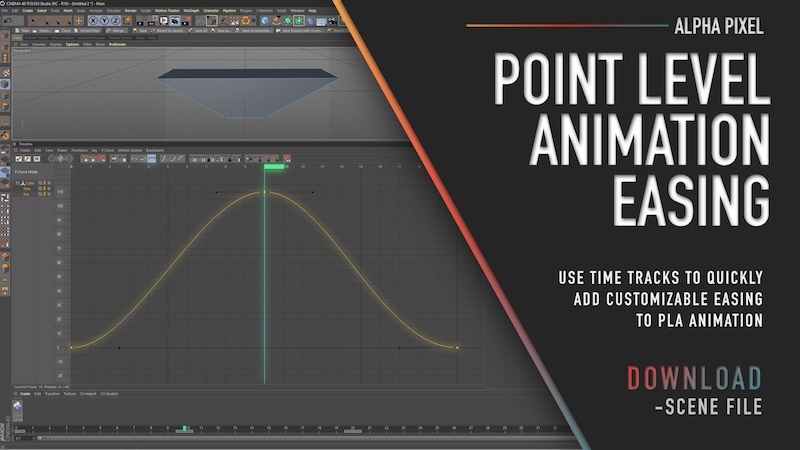
Easing Point Level Animations
Easing Point Level Animations How to Add Easing to Point Level Animation in Cinema 4D Point Level Animation (PLA) in Cinema 4D allows you to animate individual points (vertices) of an object. This makes it incredibly useful for morphing shapes,…
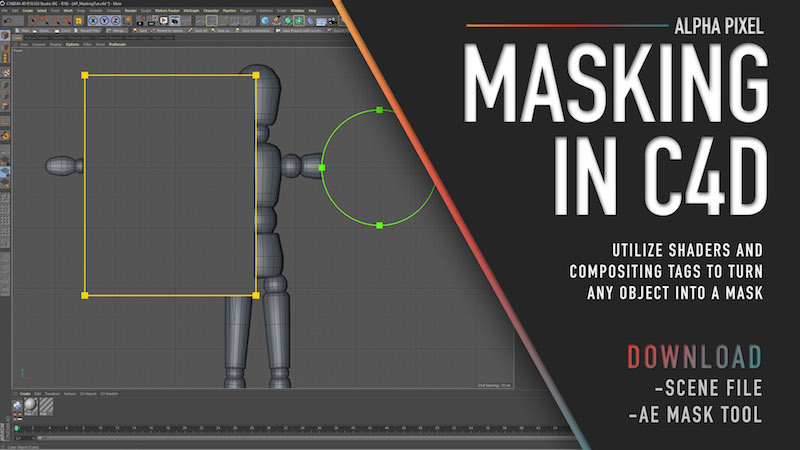
Masking In Cinema 4D
Masking In Cinema 4D How to Mask Objects in Cinema 4D Masking in Cinema 4D is a simple but powerful technique that allows you to hide parts of an object during rendering using another object as a mask. This method works similarly to masking in…

Custom Depth Mattes in C4D
Want more control over your depth mattes in compositing? In this tutorial, we look at how you can use simple shaders in Cinema 4D to move a depth matte around your scene in any way you want, using virtually any shader. It’s a fairly simple setup,…
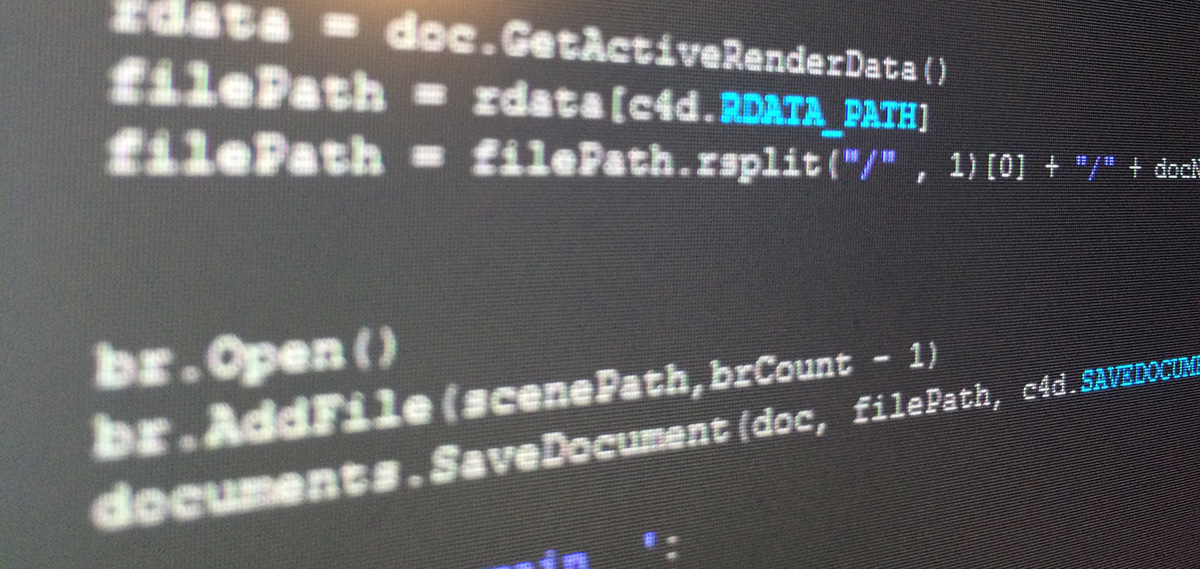
Save-At-Render Scripts for C4D
Hey Cinema 4D users — here’s a set of 3 scripts I made that could possibly save your butt someday. These scripts automatically save your scene file to your render output location every time you hit render. This might seem like an unnecessary step…

Preset: X-Particle Noise Preset
Why another noise modifier? I love the standard noise (turbulence) in X-Particles, but it gets very chaotic very quickly. I wanted some randomness with a little more predictability — which is where this preset came from. It uses noise with a…

MoSelector for C4D
What is it? MoSelector gives you incredible control over the MoGraph items you want controlled by your Cinema 4D Effectors. In addition to being able to select any MoGraph objects with ease, you can animate your selections to create some really…

Free Models: BMX and Fixie for C4D
This month the US celebrates National Bike Month, encouraging you to get out and ride that bike! In honor of that, I chose to create a few things based on my love for bikes 🙂 Download 👉 Download the BMX and Fixie Models:…

C4D Plugin: Quick Matte Pro
[vc_row bg_type=”image” parallax_style=”vcpb-default” bg_image_new=”id^16374|url^https://alphapixel.net/wp-content/uploads/2017/08/GlossWave_03_Dark_03.jpg|caption^null|alt^null|title^GlossWave_03_Dark_03|description^null” bg_override=”ex-full”…

Free After Effects Script: Render Instant Frame
I made this script because I was tired of having to do the whole SaveFrameAs process in After Effects. It exports the frame your currently on instantly to the location you set(desktop is default). The only thing to be aware of is that it only saves…

Review: Lightning Fast Animation in Element 3D
Lightning Fast Animation in Element 3D(http://bit.ly/1j8zZZj) is a book intended to get you up to speed with the After Effects plugin quickly while also explaining its shortcomings and some methods around them. My knowledge about Element 3D before…

Data Stream
Here is a snipet of a data stream setup I made for the Target Fall National. It’s not the whole piece, just a piece of one section. The setup I made allowed me to get a completely different animation just by changing the spline. The camera follows…

C4D Preset: On/Off Switch Update
Updated for R20+ Here is a simple but very useful tool for Cinema 4D that turns objects on and off easily without keyframes. I find myself trying to hide and reveal objects all the time, and its a pain to have to keep track of all those…

Quick Tip: Reverse Dynamics in C4D
Quick Tip: Reverse Dynamics in C4D Here’s a quick tip on reversing a cached dynamic simulations. It’s pretty simple to do but it’s sort of hidden away in different menus. The downside of this method is that it will reverse ALL of the dynamics…
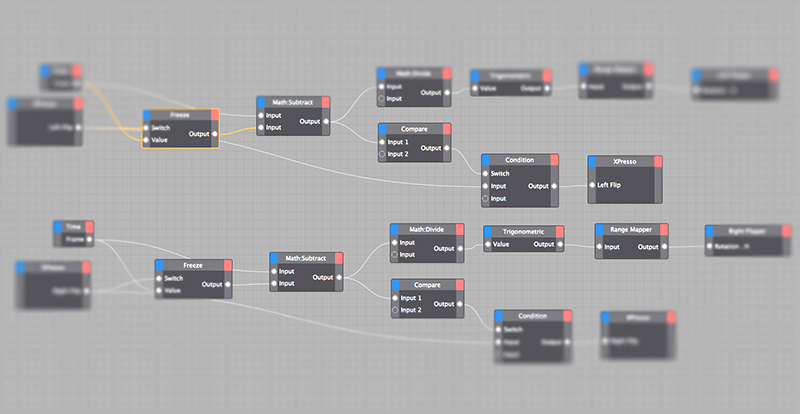
C4D Xpresso Tutorial: Pinball Flippers
Just a simple little setup that lets you interactively activate pinball flippers whenever you hit a button in your user data(or viewport). One thing I forgot to add in the video is that if you want to slow down the flipper you could add a math node…
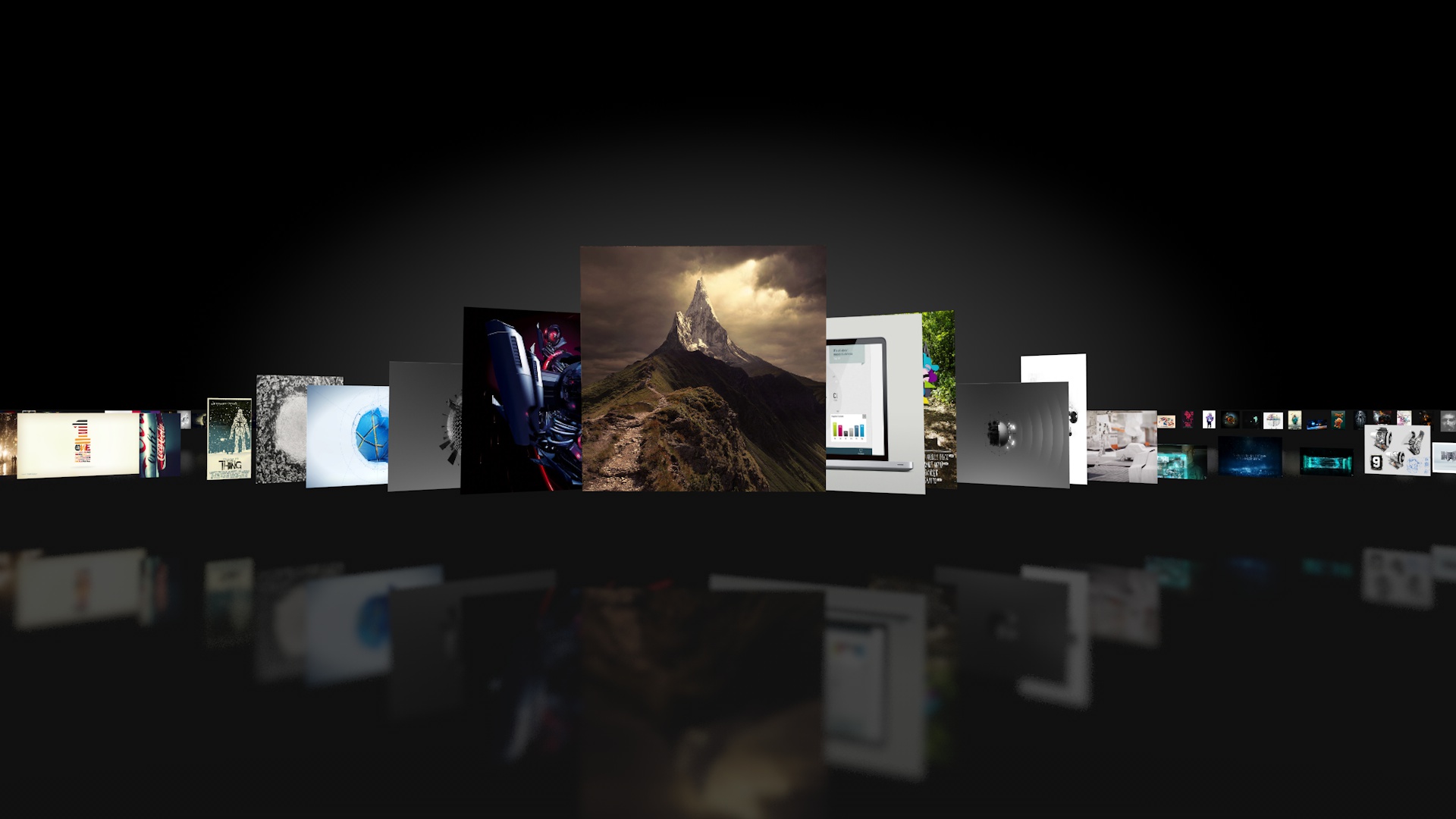
C4D Preset: Cover Flow
Hey everyone, I’m here to bring you a simple little preset to make the cover flow effect on itunes. It comes with a few options to fine tune to you’re liking. I originally made this to show off my Image2Plane plugin but thought others might find it…
Review: C4D Starter Book Review
Hello to any 3D followers out there, this one’s for you! As an advanced user of Cinema 4D I’ve been asked by Packt Publishing to write a short review on one of their new books geared towards those who have knowledge of 3D software but are new to…

C4D QUICK TIP: TP MULTISHAPE EMITTER
Here’s a quick tip to output multiple shapes with Thinking Particles. This may sound like an easy task, but it’s actually a bit tricky. There are a number of ways to do this. For example, you can clone objects onto particles, but then you lose the…

C4D QUICK TIP: AO CATCHER
[vc_row][vc_column][vc_column_text]Here’s a little quick tip on how to render just the Ambient Occlusion for certain objects without using Multipass rendering. 1. Create new material and turn off all channels but Alpha 2. Load in the AO preset…